Offline first
Each accepted location fix is saved on the Android device before the app tries to send it. Capture keeps going through ordinary network gaps.
Backcountry Tracker records your route on Android even when coverage fades. Every location fix is saved on your device first, then sent as a small queued update when a connection returns.
Interim debug build, v1.8. Android 8.0+ (API 26). This is a testable APK, not a production release.
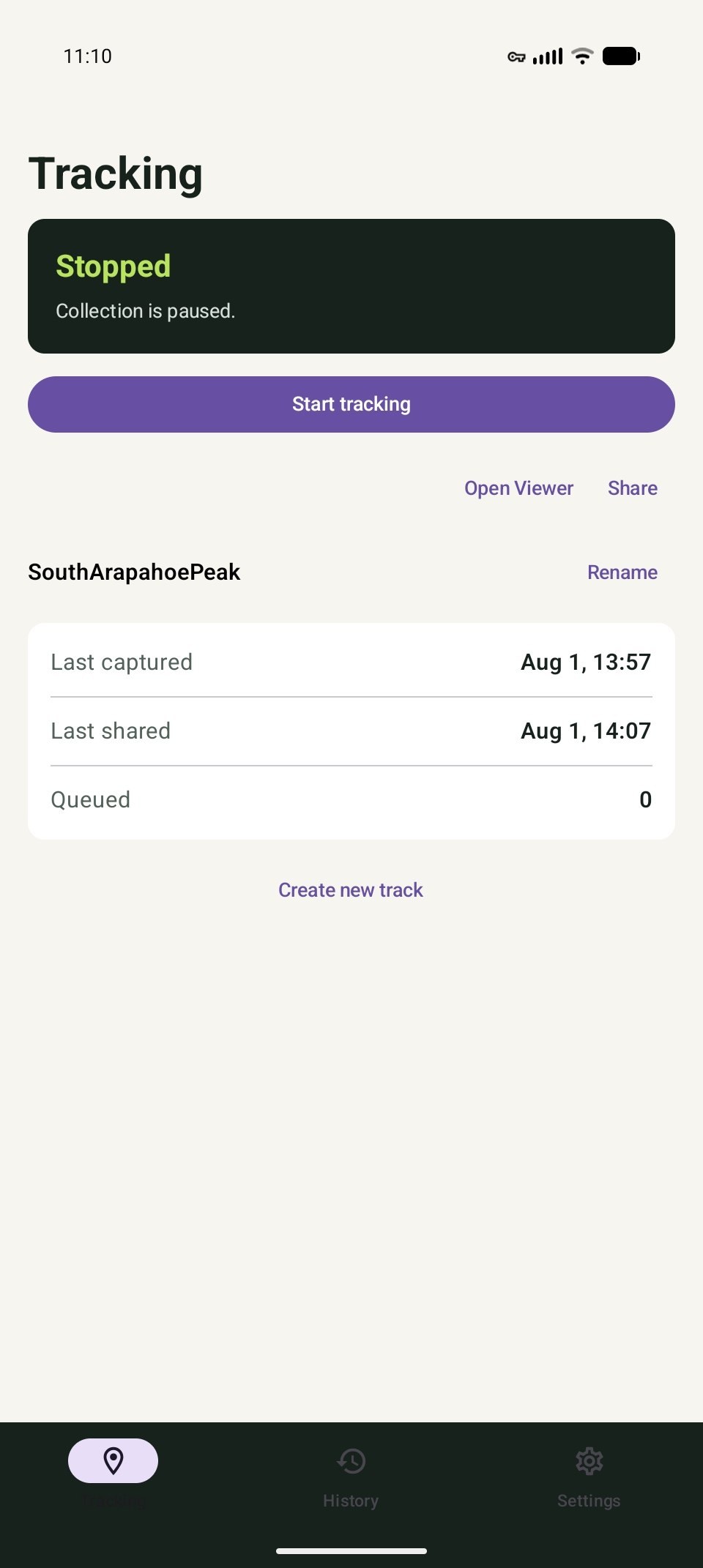
Capture and upload are independent. That means a disappearing signal can delay delivery without erasing the route you are still recording.
Each accepted location fix is saved on the Android device before the app tries to send it. Capture keeps going through ordinary network gaps.
Queued points travel in compact, compressed batches. Retries use backoff instead of repeatedly filling a slow or metered connection.
When a connection returns, the queue can catch up. Once a track exists, share its private viewing link with the people you choose.
Backcountry Tracker records the route; a lightweight web viewer shows the points that have reached the server. The app does not fetch map tiles, ads, or analytics.
Choose capture and upload intervals, then start tracking. A foreground notification confirms when the recorder is active.
Location fixes stay in a durable on-device queue. Upload can wait independently while you keep moving.
Queued batches retry when connectivity returns. Share the private viewer link deliberately after the track is available.
The Android app is designed for T-Mobile's T-Satellite with Starlink direct-to-cell service, not Starlink Wi-Fi or a hotspot. It also works over ordinary mobile data and Wi-Fi. The app can keep traffic efficient on constrained networks, but it cannot provide satellite service or guarantee a connection.
There is no account directory or public track feed. Each track has separate reporting and viewing capabilities, and you decide who receives the private viewing link.
Anyone who receives a track's viewing link can view that track. Links are not published or indexed from this homepage, and the tracker does not add analytics or advertising to the recording flow. Read the full privacy policy.
Try the current debug APK on a compatible Android phone. It is clearly labeled here because the production release and update path are still separate work.
Installation: Open the downloaded file and follow Android's prompt. You may need to allow your browser or file manager to install unknown apps.
Start with ordinary connectivity, then test the exact phone, plan, permissions, and environment you expect to use. Satellite behavior is dependent on the device and service, not just the app.
The interim APK targets Android API 26 and above. Download it directly, then review Android's installation and location-permission prompts.
Choose your intervals and begin from the app. Keep the foreground notification visible while tracking is active.
The web view shows received points, not a promise of a continuously current position. Queued points can arrive later in a backfill.